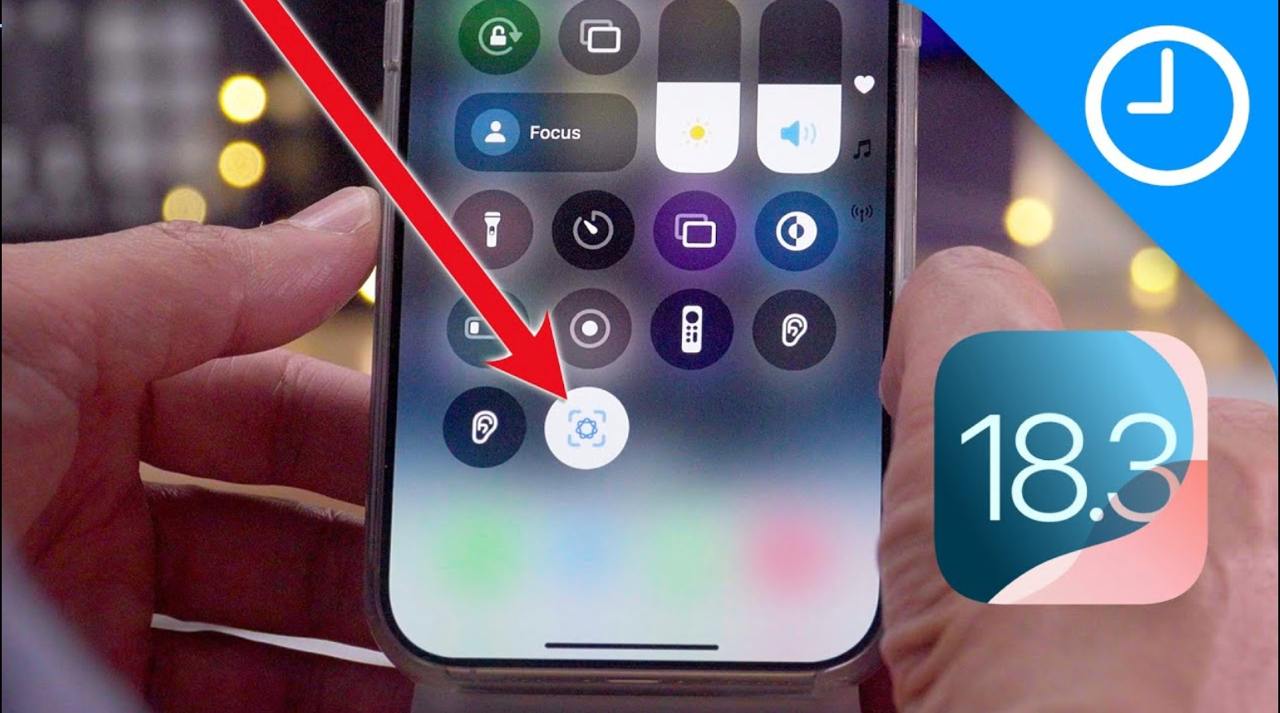
📱 iOS 18.3 for everyone
🔴 After one month of beta testing, Apple has now released iOS 18.3 for all iPhone users. As it was reported earlier the update includes changes to two key Apple Intelligence features.
🎛️ Apple Intelligence notification summary changes
In response to pushback from BBC, Apple has made the following changes to notification summaries in iOS 18.3:
・Notification summaries have been temporarily disabled entirely for the News & Entertainment category of apps. Apple says the feature will be re-enabled for this category in a future software update as it continues to refine the experience.
・Notification summaries are now denoted by italicized text on the Lock Screen. This helps better distinguish them from normal notifications.
・You can now disable notification summaries for an app directly from the Lock Screen or Notification Center by swiping, tapping “Options,” then choosing the “Turn Off Summaries” option.
・When you enable notification summaries, iOS 18.3 will make it clearer that the feature – like all Apple Intelligence features – is a beta.
・In the Settings app, Apple now warns users that notification summaries “may contain errors.”
🔳 Visual Intelligence upgrades
Apple says that the update brings two new features to Visual Intelligence for iPhone 16 users:
・You can now add an event to Calendar from a poster or flyer. From the Visual Intelligence interface, just take a picture of that poster or flyer and Apple Intelligence will recognize the date and time of the event and add it to your calendar.
・Visual Intelligence can now easily identify a broader range of plants and animals.
The feature is available on all iPhone 16 models and can be accessed by long-pressing on the Camera Control.
🧠 Apple Intelligence is now on by default in iOS 18.3
To disable Apple Intelligence after updating to iOS 18.3, you can go to the Settings app, choose “Apple Intelligence & Siri,” then disable the Apple Intelligence toggle.
🔢 Other improvements
・Calculator repeats the last mathematical operation when you tap the equals sign again.
・Fixes an issue where the keyboard might disappear when initiating a typed Siri request.
・Resolves an issue where audio playback continues until the song ends even after closing Apple Music.
@iPhone
#iOS #iPadOS #updates


